Close Menu
Xarkas BlogXarkas Blog
    What's Hot

    How In-Island V-Buck Purchases Work in Fortnite (FAQ)

    January 12, 2026

    OnePlus May Be Testing a 165Hz Phone With Dimensity 9500, Possibly the Ace 6 Ultra

    January 12, 2026

    Final Fantasy 14 Hosting Free Login Campaign

    January 11, 2026
    Facebook X (Twitter) Instagram
    Xarkas BlogXarkas Blog
    • Tech News

      Apple Vision Pro vs Meta Quest 3: The Ultimate VR Headset Showdown

      December 3, 2025

      ChatGPT told them they were special — their families say it led to tragedy

      November 24, 2025

      Beehiiv’s CEO isn’t worried about newsletter saturation

      November 24, 2025

      TechCrunch Mobility: Searching for the robotaxi tipping point

      November 24, 2025

      X’s new About This Account feature is going great

      November 24, 2025
    • Mobiles

      OnePlus May Be Testing a 165Hz Phone With Dimensity 9500, Possibly the Ace 6 Ultra

      January 12, 2026

      Vivo X200T Full Specifications Tipped Ahead of Launch in India: Check Expected Price Range

      January 11, 2026

      Realme 16 Pro Plus vs Vivo V60 vs OPPO Reno 14: Which is the Best Smartphone Under Rs 40,000 in India (2026)?

      January 11, 2026

      Redmi 15C Review: A Large Phone That Sticks To The Basics, But Is That Enough?

      January 11, 2026

      Redmi Note 15 5G Now Available for Purchase in India Through Amazon: Check Price, Specifications, Offers

      January 11, 2026
    • Gaming

      How In-Island V-Buck Purchases Work in Fortnite (FAQ)

      January 12, 2026

      Final Fantasy 14 Hosting Free Login Campaign

      January 11, 2026

      Demon Slayer Has Officially Been Beaten By Its Biggest 2025 Rival

      January 11, 2026

      The Best Sub-Job For Each Character

      January 11, 2026

      RPGs Where Choices Matter More Than You Expect

      January 11, 2026
    • SEO Tips
    • PC/ Laptops

      Dell Pro 14 (AMD Ryzen AI 7 Pro 350) Review: The Sensible Choice for Everyday Office Work

      January 9, 2026

      CES 2026: MSI Unveils New Prestige, Raider, Stealth and Crosshair Laptops with Intel Core Ultra SoCs

      January 7, 2026

      CES 2026: Samsung Unveils New Galaxy Book6 Laptops

      January 6, 2026

      CES 2026: HP Shows a Keyboard-Based PC and New EliteBooks

      January 6, 2026

      CES 2026: Intel Unveils Core Ultra Series 3, Its First Platform Built on 18A

      January 6, 2026
    • EV

      Here’s How Much It Costs

      November 15, 2025

      Sodium-Ion Batteries Have Landed In America. The Hard Part Starts Now

      November 15, 2025

      Mazda Begins Testing Its Long-Overdue U.S. EV

      November 14, 2025

      Volkswagen Adds Smartwatch Support For U.S. Vehicles

      November 14, 2025

      TATA.ev expands charging footprint with 14 new manned MegaChargers across AP, Telangana

      November 14, 2025
    • Gadget
    • AI
    Facebook
    Xarkas BlogXarkas Blog
    Home - Gaming - Can You Watch Netflix on Nintendo Switch? Everything You Need to Know
    Gaming

    Can You Watch Netflix on Nintendo Switch? Everything You Need to Know

    KavishBy KavishJanuary 16, 2025No Comments4 Mins Read
    Facebook Twitter Pinterest Telegram LinkedIn Tumblr WhatsApp Email
    Can You Watch Netflix on Nintendo Switch? Everything You Need to Know
    Share
    Facebook Twitter LinkedIn Pinterest Telegram Email

    Nintendo Switch has captured the hearts of millions with its versatility and extensive gaming library. However, many users often ask, “Can I watch Netflix on my Nintendo Switch?” In this comprehensive guide, we will explore the possibilities, alternatives, and step-by-step instructions to enjoy streaming services on your beloved console.
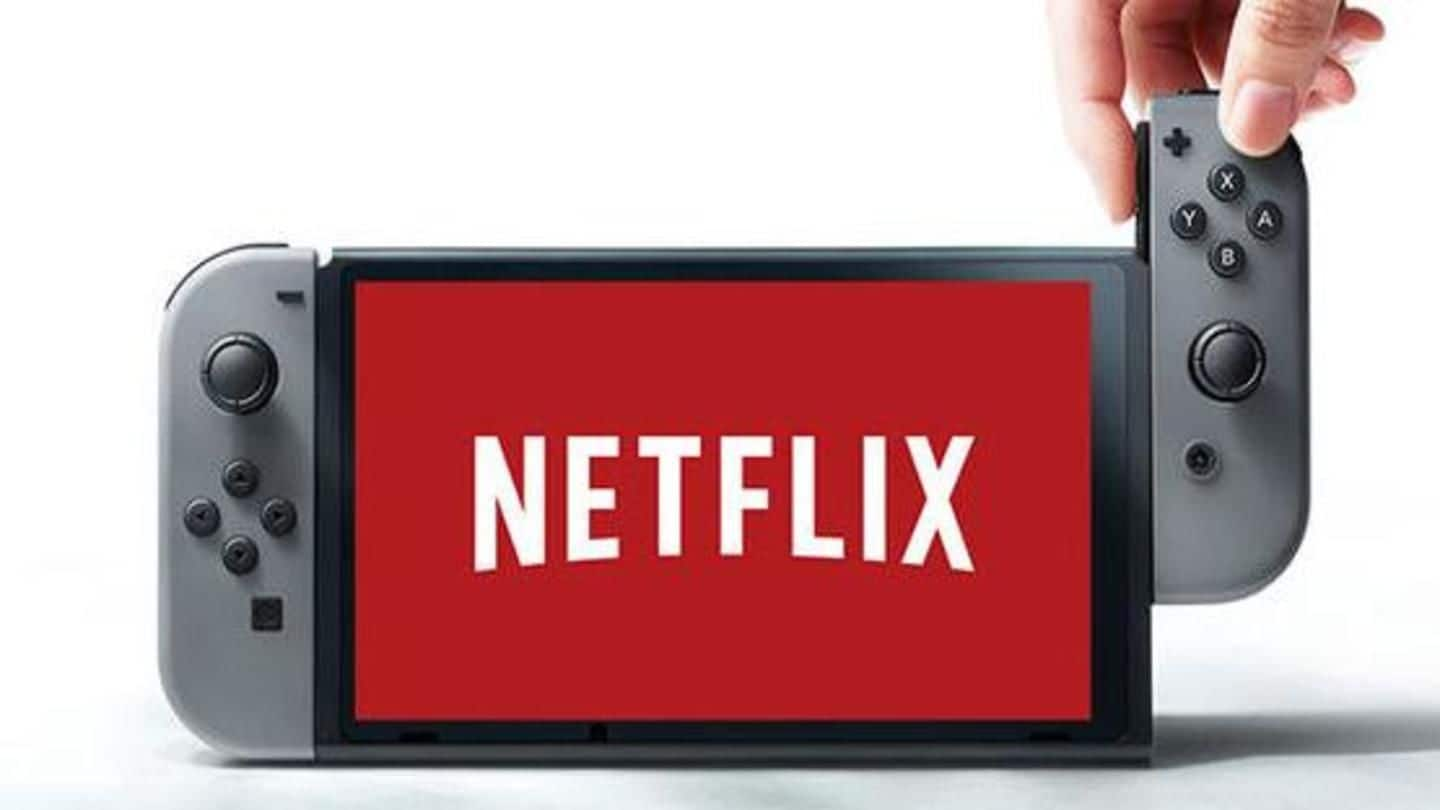
    Can You Watch Netflix on Nintendo Switch? Everything You Need to Know
    Can I watch Netflix on Nintendo Switch?

    Table of Contents

    Toggle
    • Is Netflix Available on Nintendo Switch?
    • Alternatives to Netflix on Nintendo Switch
      • 1. Hulu
      • 2. YouTube
      • 3. Plex
      • 4. Web Browser Workarounds
    • How to Watch Netflix on Nintendo Switch: Workarounds
      • 1. Install Android on Nintendo Switch
      • 2. Stream via Screen Casting
      • 3. Access Netflix via Unofficial Browser
    • Why Netflix is Not Available on Nintendo Switch
    • What Does the Future Hold?
    • Conclusion

    Is Netflix Available on Nintendo Switch?

    As of now, Netflix is not natively supported on Nintendo Switch. Despite being one of the most popular streaming services globally, the app is yet to be officially released for the platform. This has left many users seeking alternative methods to watch their favorite shows and movies.

    The lack of native Netflix support stems from Nintendo’s focus on gaming, but the device is capable of streaming other services like Hulu and YouTube. Let’s dive deeper into the options you have for enjoying Netflix-like content on your Nintendo Switch.


    Alternatives to Netflix on Nintendo Switch

    While Netflix is not directly available, several alternatives allow you to stream content:

    1. Hulu

    Hulu is one of the officially supported streaming apps on the Nintendo Switch. Users in the United States can download Hulu from the Nintendo eShop and enjoy movies, TV shows, and even live TV.

    2. YouTube

    The Nintendo Switch offers native support for YouTube, providing access to an extensive library of videos, including movies, documentaries, and music.

    3. Plex

    Using Plex, you can stream your personal media library on the Nintendo Switch. Although this requires setting up a Plex server, it’s an excellent option for those with locally stored content.

    4. Web Browser Workarounds

    While the Nintendo Switch does not have an official web browser, users can access limited browser functionalities to stream content indirectly. This method, though, involves several steps and is not officially endorsed by Nintendo.


    How to Watch Netflix on Nintendo Switch: Workarounds

    For those determined to access Netflix on their Nintendo Switch, there are a few unofficial workarounds. Follow these steps carefully:

    1. Install Android on Nintendo Switch

    By installing a custom Android operating system on your Nintendo Switch, you can access the Google Play Store and download Netflix. Here’s how:

    • Step 1: Check your Switch model for compatibility with custom firmware.
    • Step 2: Download the required files to install Android on your console. This includes an SD card image of the Android OS.
    • Step 3: Follow online tutorials to boot Android on your Switch.
    • Step 4: Access the Google Play Store and install Netflix.

    Note: Installing Android voids your warranty and carries potential risks, including bricking your device. Proceed at your own risk.

    2. Stream via Screen Casting

    Another method is to stream Netflix from a secondary device using screen casting or HDMI adapters. Here’s what you’ll need:

    • A device capable of screen casting (e.g., smartphone, tablet, or laptop).
    • An HDMI adapter or dock compatible with Nintendo Switch.

    Once set up, you can mirror your screen and watch Netflix indirectly on your Switch.

    3. Access Netflix via Unofficial Browser

    The hidden web browser on the Nintendo Switch can sometimes be configured to access Netflix’s web interface. However, this method involves advanced DNS settings and is not guaranteed to work reliably.


    Why Netflix is Not Available on Nintendo Switch

    The absence of Netflix on the Nintendo Switch boils down to several factors:

    1. Nintendo’s Gaming-Centric Approach: Nintendo has prioritized gaming features over streaming capabilities to maintain its core focus.
    2. Licensing and Technical Constraints: Bringing Netflix to Switch involves negotiations, app optimization, and integration challenges.
    3. Market Considerations: With apps like Hulu and YouTube already available, Nintendo may not see immediate value in adding Netflix to its ecosystem.

    What Does the Future Hold?

    There is speculation that Netflix may eventually become available on Nintendo Switch. As the platform continues to evolve and expand its audience, adding Netflix could enhance its multimedia appeal. Until then, users can leverage the alternatives and workarounds mentioned above.


    Conclusion

    While Netflix is not natively supported on Nintendo Switch, there are still ways to enjoy streaming content on the device. From using alternative apps like Hulu and YouTube to exploring workarounds like Android installation or screen casting, the options are diverse. However, these methods come with varying degrees of complexity and risk.

    We recommend sticking to official apps and waiting for any future announcements from Nintendo and Netflix regarding compatibility. For those who wish to experiment, ensure you follow detailed guides to avoid damaging your device.

    netflix nitendo
    Share. Facebook Twitter Pinterest LinkedIn Tumblr Email
    Kavish
    • Website

    Related Posts

    How In-Island V-Buck Purchases Work in Fortnite (FAQ)

    January 12, 2026

    Final Fantasy 14 Hosting Free Login Campaign

    January 11, 2026

    Demon Slayer Has Officially Been Beaten By Its Biggest 2025 Rival

    January 11, 2026

    The Best Sub-Job For Each Character

    January 11, 2026

    RPGs Where Choices Matter More Than You Expect

    January 11, 2026

    With Blade’s MCU Movie Reportedly Dead, Arkane’s Game is Under More Pressure Than Ever

    January 11, 2026

    Comments are closed.

    Top Reviews
    Editors Picks

    How In-Island V-Buck Purchases Work in Fortnite (FAQ)

    January 12, 2026

    OnePlus May Be Testing a 165Hz Phone With Dimensity 9500, Possibly the Ace 6 Ultra

    January 12, 2026

    Final Fantasy 14 Hosting Free Login Campaign

    January 11, 2026

    Demon Slayer Has Officially Been Beaten By Its Biggest 2025 Rival

    January 11, 2026
    About Us
    About Us

    Email Us: info@xarkas.com

    Facebook Pinterest
    © 2026 . Designed by Xarkas Technologies.
    • Home
    • Mobiles
    • Privacy Policy

    Type above and press Enter to search. Press Esc to cancel.

    Ad Blocker Enabled!
    Ad Blocker Enabled!
    Our website is made possible by displaying online advertisements to our visitors. Please support us by disabling your Ad Blocker.