Close Menu
Xarkas BlogXarkas Blog
    What's Hot

    Samsung Galaxy M47 5G Launching in India on June 29

    June 23, 2026

    Vivo X500 Pro Tipped With Dimensity 9600 Pro and a 64MP Portrait Lens

    June 23, 2026

    iQOO 15, iQOO 15R, Neo 10, and Vivo T5 Pro Get Second Price Hike in India

    June 23, 2026
    Facebook X (Twitter) Instagram
    Xarkas BlogXarkas Blog
    • Tech News

      Hummer EV Price in India 2026: Complete Guide, Features, Specifications & Availability

      April 2, 2026

      Apple Vision Pro vs Meta Quest 3: The Ultimate VR Headset Showdown

      December 3, 2025

      ChatGPT told them they were special — their families say it led to tragedy

      November 24, 2025

      Beehiiv’s CEO isn’t worried about newsletter saturation

      November 24, 2025

      TechCrunch Mobility: Searching for the robotaxi tipping point

      November 24, 2025
    • Mobiles

      Samsung Galaxy M47 5G Launching in India on June 29

      June 23, 2026

      Vivo X500 Pro Tipped With Dimensity 9600 Pro and a 64MP Portrait Lens

      June 23, 2026

      iQOO 15, iQOO 15R, Neo 10, and Vivo T5 Pro Get Second Price Hike in India

      June 23, 2026

      What Is Nothing’s New (b) Series? Co-Founder Akis Finally Explains

      June 23, 2026

      OPPO Reno 16 Series Pre-Launch Offers Live

      June 22, 2026
    • Gaming

      Ubisoft co-founder Claude Guillemot dies in plane crash

      June 22, 2026

      MapTap, a daily geography game, is my new Wordle

      June 18, 2026

      Netflix expands revamped mobile app across Asia and doubles down on kids’ gaming

      June 10, 2026

      Oura Ring 5 review: Thinner, lighter, better

      June 4, 2026

      Meta mercifully spun out VR fitness game Supernatural instead of just killing it

      June 4, 2026
    • SEO Tips
    • PC/ Laptops

      Dell Pro 14 (AMD Ryzen AI 7 Pro 350) Review: The Sensible Choice for Everyday Office Work

      January 9, 2026

      CES 2026: MSI Unveils New Prestige, Raider, Stealth and Crosshair Laptops with Intel Core Ultra SoCs

      January 7, 2026

      CES 2026: Samsung Unveils New Galaxy Book6 Laptops

      January 6, 2026

      CES 2026: HP Shows a Keyboard-Based PC and New EliteBooks

      January 6, 2026

      CES 2026: Intel Unveils Core Ultra Series 3, Its First Platform Built on 18A

      January 6, 2026
    • EV

      Hummer EV Price in India 2026: Complete Guide, Features, Specifications & Availability

      April 2, 2026

      Here’s How Much It Costs

      November 15, 2025

      Sodium-Ion Batteries Have Landed In America. The Hard Part Starts Now

      November 15, 2025

      Mazda Begins Testing Its Long-Overdue U.S. EV

      November 14, 2025

      Volkswagen Adds Smartwatch Support For U.S. Vehicles

      November 14, 2025
    • Gadget
    • AI
    Facebook
    Xarkas BlogXarkas Blog
    Home - SEO Tips - How to Check and Verify Internal Links in WordPress: A Simple Guide
    SEO Tips

    How to Check and Verify Internal Links in WordPress: A Simple Guide

    KavishBy KavishFebruary 6, 2025No Comments4 Mins Read
    Facebook Twitter Pinterest Telegram LinkedIn Tumblr WhatsApp Email
    Check and Verify Internal Links in WordPress
    Share
    Facebook Twitter LinkedIn Pinterest Telegram Email

    Internal links are an important part of your WordPress website. They help visitors navigate your site, improve SEO, and keep users engaged. But how do you check and verify if your internal links are working correctly? In this article, we’ll explain how to check and verify internal links in WordPress in simple steps. Whether you’re a beginner or an experienced WordPress user, this guide will help you ensure your links are in top shape.


    Table of Contents

    Toggle
    • What are Internal Links?
    • Why Check and Verify Internal Links?
    • How to Check and Verify Internal Links in WordPress
      • Step 1: Use a Plugin (Easiest Method)
        • 1. Install a Link-Checking Plugin
        • 2. Scan Your Website
        • 3. Fix Broken Links
      • Step 2: Manually Check Links
        • 1. Review Your Content
        • 2. Use the “Link” Tool in the Editor
      • Step 3: Use Online Tools
      • Step 4: Check Google Search Console
    • Tips for Managing Internal Links
    • Frequently Asked Questions (FAQs)
    • Conclusion

    What are Internal Links?

    Internal links are links that connect one page or post on your website to another. For example:

    • Linking your blog post to a related product page.
    • Adding a “Read More” link to another article on your site.

    Internal links are important because:

    • They help search engines understand your site’s structure.
    • They improve user experience by guiding visitors to relevant content.
    • They can boost your SEO rankings.

    Why Check and Verify Internal Links?
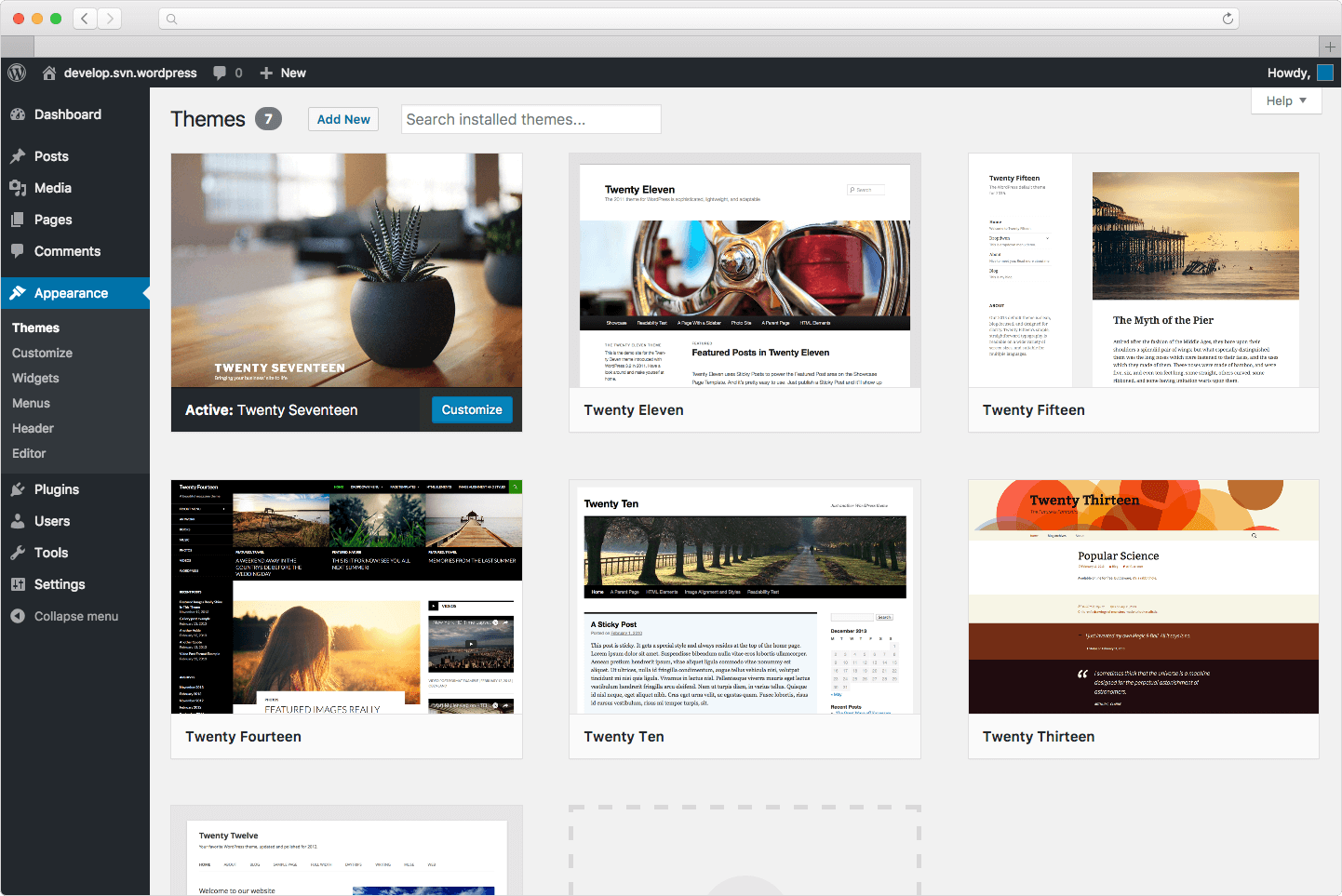
    Check and Verify Internal Links in WordPress
    Check and Verify Internal Links in WordPress

    Over time, internal links can break or become outdated due to:

    • Deleted pages or posts.
    • Changes in URLs.
    • Typos or errors in links.

    Broken or incorrect links can harm your website’s SEO and frustrate visitors. That’s why it’s important to regularly check and verify your internal links.


    How to Check and Verify Internal Links in WordPress

    Here’s a step-by-step guide to checking and verifying internal links in WordPress:


    Step 1: Use a Plugin (Easiest Method)

    The easiest way to check internal links is by using a WordPress plugin. Here’s how:

    1. Install a Link-Checking Plugin

    • Go to your WordPress dashboard.
    • Click on Plugins > Add New.
    • Search for a plugin like Broken Link Checker or WP Link Status.
    • Install and activate the plugin.

    2. Scan Your Website

    • Once activated, the plugin will automatically scan your website for broken or incorrect links.
    • You can view the results in the plugin’s dashboard.

    3. Fix Broken Links

    • The plugin will show you a list of broken links.
    • You can edit or remove the links directly from the plugin.

    Step 2: Manually Check Links

    If you prefer not to use a plugin, you can manually check your internal links:

    1. Review Your Content

    • Go to your WordPress dashboard.
    • Open each page or post and check the links.
    • Click on each link to ensure it works and goes to the correct page.

    2. Use the “Link” Tool in the Editor

    • While editing a page or post, highlight a link and click the link icon in the toolbar.
    • This will show you the linked URL. Double-check that it’s correct.

    Step 3: Use Online Tools

    There are free online tools that can help you check internal links:

    • Screaming Frog SEO Spider: This tool crawls your website and identifies broken links.
    • Ahrefs Backlink Checker: While primarily for backlinks, it can also help you analyze internal links.

    Step 4: Check Google Search Console

    Google Search Console is a free tool that helps you monitor your website’s performance. Here’s how to use it to check internal links:

    1. Go to Google Search Console and log in.
    2. Select your website.
    3. Navigate to Coverage or Links in the sidebar.
    4. Look for errors related to internal links and fix them.

    Tips for Managing Internal Links

    1. Use Descriptive Anchor Text: Instead of “Click Here,” use text that describes the linked content (e.g., “Learn more about SEO”).
    2. Link to Relevant Content: Only link to pages or posts that are related to the current content.
    3. Update Links Regularly: Check your links every few months to ensure they’re working.
    4. Use a Sitemap: A sitemap helps search engines understand your site’s structure and internal links.

    Frequently Asked Questions (FAQs)

    1. What is the best plugin to check internal links in WordPress?

    • Broken Link Checker and WP Link Status are popular and easy-to-use plugins.

    2. How often should I check my internal links?

    • It’s a good idea to check your internal links every 3-6 months.

    3. Can broken internal links affect my SEO?

    • Yes, broken links can harm your SEO by creating a poor user experience and confusing search engines.

    4. What should I do if I find a broken internal link?

    • Update the link with the correct URL or remove it if the page no longer exists.

    5. Are internal links important for small websites?

    • Yes, internal links are important for all websites, regardless of size. They help improve navigation and SEO.

    Conclusion

    Checking and verifying internal links in WordPress is a simple but essential task to keep your website running smoothly. By using plugins, manual checks, or online tools, you can ensure your links are working correctly and providing a great experience for your visitors. Regularly maintaining your internal links will also boost your SEO and help your site rank higher in search results.

    So, take a few minutes to check your internal links today—it’s a small effort that can make a big difference! 🔗✨

    Check and Verify Internal Links in WordPress
    Share. Facebook Twitter Pinterest LinkedIn Tumblr Email
    Kavish
    • Website

    Related Posts

    The Ultimate Guide to the Best AI Tools for Content Creators in 2024

    November 4, 2024

    How to Approve Google AdSense Account with WordPress

    September 21, 2024

    How Can SEO Increase Web Traffic?

    September 21, 2024

    Comments are closed.

    Top Reviews
    Editors Picks

    Samsung Galaxy M47 5G Launching in India on June 29

    June 23, 2026

    Vivo X500 Pro Tipped With Dimensity 9600 Pro and a 64MP Portrait Lens

    June 23, 2026

    iQOO 15, iQOO 15R, Neo 10, and Vivo T5 Pro Get Second Price Hike in India

    June 23, 2026

    What Is Nothing’s New (b) Series? Co-Founder Akis Finally Explains

    June 23, 2026
    About Us
    About Us

    Email Us: info@xarkas.com

    Facebook Pinterest
    © 2026 . Designed by Xarkas Technologies.
    • Home
    • Mobiles
    • Privacy Policy

    Type above and press Enter to search. Press Esc to cancel.

    Ad Blocker Enabled!
    Ad Blocker Enabled!
    Our website is made possible by displaying online advertisements to our visitors. Please support us by disabling your Ad Blocker.