

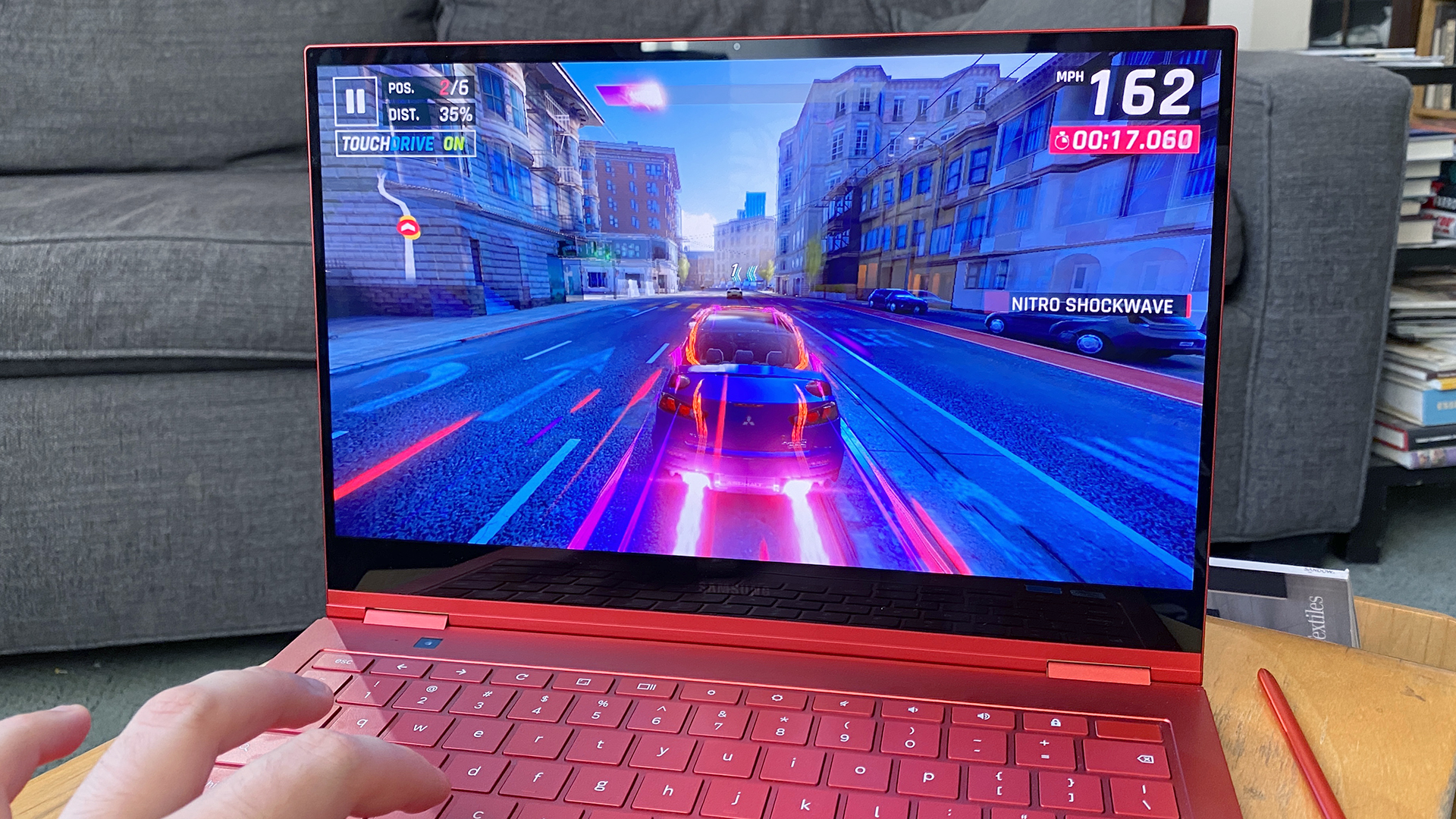
Chromebooks have become an increasingly popular choice for users looking for a lightweight, efficient, and affordable laptop. With the ability to run Android apps via the Google Play Store, Chromebook users now have access to an extensive library of Android games. Whether you prefer action-packed shooters, immersive RPGs, or casual puzzle games, there is something for everyone. In this guide, we explore the best Android games for Chromebook, detailing their features, compatibility, and why they are worth playing.
Why Play Android Games on a Chromebook?
Playing Android games on a Chromebook offers numerous advantages:
- Larger screen experience – Enjoy games on a bigger display compared to mobile phones.
- Better controls – Use keyboards, mice, or even game controllers for enhanced gameplay.
- Improved performance – Many Chromebooks have superior processing power compared to mobile devices.
- Multi-tasking – Easily switch between work and play on a single device.
With these benefits in mind, let’s dive into the top Android games for Chromebook that you should try.
1. PUBG Mobile
Genre: Battle Royale
Why Play on Chromebook? PUBG Mobile delivers intense, action-packed battles where players fight to be the last one standing. The Chromebook’s larger screen and external controls provide a tactical advantage, making it easier to aim and maneuver.
- HD graphics with immersive gameplay
- Supports keyboard and mouse input
- Regular updates with new maps and modes
2. Asphalt 9: Legends
Genre: Racing
Why Play on Chromebook? Asphalt 9 is one of the best racing games available for Android, featuring stunning graphics and adrenaline-pumping gameplay. Chromebooks provide a seamless experience with high frame rates and smooth controls.
- Realistic car physics and high-speed action
- Multiplayer mode for racing against friends
- Customizable cars with upgrades and tuning
3. Minecraft
Genre: Sandbox/Survival
Why Play on Chromebook? The Chromebook’s larger screen enhances the blocky, creative world of Minecraft, making it easier to build, explore, and survive. With keyboard and mouse support, players can enjoy a PC-like experience.
- Open-world gameplay with endless possibilities
- Survival and creative modes available
- Multiplayer support for playing with friends
4. Stardew Valley
Genre: Farming Simulation
Why Play on Chromebook? Stardew Valley is a relaxing and immersive farming simulator that works beautifully on Chromebooks. The touchscreen support makes farming tasks easier and more interactive.
- Manage your farm, grow crops, and raise animals
- Interact with villagers and build relationships
- Explore caves and battle creatures
5. Call of Duty: Mobile
Genre: First-Person Shooter
Why Play on Chromebook? Call of Duty: Mobile brings console-quality FPS action to Chromebooks. With keyboard and mouse support, it offers an edge over touchscreen-only players.
- Fast-paced multiplayer action
- Multiple game modes including Battle Royale
- Customizable load-outs and weapons
6. Genshin Impact
Genre: Action RPG
Why Play on Chromebook? Genshin Impact is a visually stunning open-world RPG that performs well on high-end Chromebooks. With controller support, the game feels like playing on a console.
- Vast open world with rich storytelling
- Character switching for dynamic combat
- Frequent updates with new content
7. Roblox
Genre: Sandbox/Multiplayer
Why Play on Chromebook? Roblox is a creative platform where players can design and play millions of user-generated games. Chromebooks provide a smooth gaming experience, making it a perfect device for enjoying various genres.
- Endless games created by the community
- Multiplayer support for playing with friends
- Supports keyboard and touchscreen inputs
8. Among Us
Genre: Social Deduction
Why Play on Chromebook? Among Us is best played on larger screens where players can easily navigate maps and communicate with teammates. Chromebooks enhance the experience with smooth performance.
- Multiplayer gameplay with teamwork and deception
- Customizable characters and skins
- Regular updates and new maps
9. Dead Cells
Genre: Roguelike/Metroidvania
Why Play on Chromebook? Dead Cells is a fast-paced action platformer that thrives on Chromebook’s larger screen and precise keyboard controls.
- Procedurally generated levels
- Intense combat and rewarding progression
- Tons of weapons and abilities to unlock
10. Terraria
Genre: Adventure/Sandbox
Why Play on Chromebook? Terraria offers deep crafting mechanics, exploration, and combat that feels great on a Chromebook. The keyboard controls make building and fighting easier.
- 2D pixel-art style adventure
- Exploration, mining, and boss battles
- Multiplayer support for co-op fun
How to Install and Play Android Games on Chromebook
If you haven’t yet installed Android games on your Chromebook, follow these steps:
- Enable Google Play Store – Go to Settings > Apps > Google Play Store and enable it.
- Install your favorite game – Open Google Play Store and search for the game you want to install.
- Adjust controls – Some games support keyboard, mouse, or controller configurations for better gameplay.
- Optimize performance – Close background apps and ensure your Chromebook is updated for the best gaming experience.
Final Thoughts
Chromebooks are an excellent platform for enjoying Android games, offering enhanced performance, better controls, and a bigger display. Whether you’re into action-packed shooters, relaxing simulators, or fast-paced racing games, the Google Play Store has something for every type of gamer. With the right setup, you can enjoy a console-like experience on your Chromebook and make the most out of mobile gaming.
