Close Menu
Xarkas BlogXarkas Blog
    What's Hot

    A Phone Battery That Lasts 7 Days? Honor Might Make That Happen

    November 5, 2026

    Xiaomi May Be Working On A Wide-Screen Smartphone: How Will It Be Different

    November 5, 2026

    iPhone 18 To Get A Price Hike? Here is What We Know

    November 5, 2026
    Facebook X (Twitter) Instagram
    Xarkas BlogXarkas Blog
    • Tech News

      Hummer EV Price in India 2026: Complete Guide, Features, Specifications & Availability

      April 2, 2026

      Apple Vision Pro vs Meta Quest 3: The Ultimate VR Headset Showdown

      December 3, 2025

      ChatGPT told them they were special — their families say it led to tragedy

      November 24, 2025

      Beehiiv’s CEO isn’t worried about newsletter saturation

      November 24, 2025

      TechCrunch Mobility: Searching for the robotaxi tipping point

      November 24, 2025
    • Mobiles

      A Phone Battery That Lasts 7 Days? Honor Might Make That Happen

      November 5, 2026

      Xiaomi May Be Working On A Wide-Screen Smartphone: How Will It Be Different

      November 5, 2026

      iPhone 18 To Get A Price Hike? Here is What We Know

      November 5, 2026

      Redmi Turbo 6 Max Specifications Just Leaked And The Display Looks Promising

      November 4, 2026

      Samsung Galaxy A38 To Come With Larger Battery, May Charge Faster Than Galaxy S26 Ultra

      November 4, 2026
    • Gaming

      Free Fire returns to India as Garena launches localized version four years after ban

      October 28, 2026

      Google experiments with an AI-powered gaming platform

      October 7, 2026

      Roblox is making it easier to build games with AI — and play them outside Roblox

      September 13, 2026

      White House takes down ‘Build the Wall’ game after the Tetris Company complains

      September 9, 2026

      Krafton doubles down on India with another $250M bet beyond gaming

      September 5, 2026
    • SEO Tips
    • PC/ Laptops

      Dell Pro 14 (AMD Ryzen AI 7 Pro 350) Review: The Sensible Choice for Everyday Office Work

      January 9, 2026

      CES 2026: MSI Unveils New Prestige, Raider, Stealth and Crosshair Laptops with Intel Core Ultra SoCs

      January 7, 2026

      CES 2026: Samsung Unveils New Galaxy Book6 Laptops

      January 6, 2026

      CES 2026: HP Shows a Keyboard-Based PC and New EliteBooks

      January 6, 2026

      CES 2026: Intel Unveils Core Ultra Series 3, Its First Platform Built on 18A

      January 6, 2026
    • EV

      Hummer EV Price in India 2026: Complete Guide, Features, Specifications & Availability

      April 2, 2026

      Here’s How Much It Costs

      November 15, 2025

      Sodium-Ion Batteries Have Landed In America. The Hard Part Starts Now

      November 15, 2025

      Mazda Begins Testing Its Long-Overdue U.S. EV

      November 14, 2025

      Volkswagen Adds Smartwatch Support For U.S. Vehicles

      November 14, 2025
    • Gadget
    • AI
    Facebook
    Xarkas BlogXarkas Blog
    Home - Featured - How To Play Internet Radio Stations On The Steam Deck While Gaming
    Featured

    How To Play Internet Radio Stations On The Steam Deck While Gaming

    KavishBy KavishDecember 4, 2024No Comments5 Mins Read
    Facebook Twitter Pinterest Telegram LinkedIn Tumblr WhatsApp Email
    How To Play Internet Radio Stations On The Steam Deck While Gaming
    Share
    Facebook Twitter LinkedIn Pinterest Telegram Email


    The Steam Deck is a highly customizable machine, and thanks to the versatility of its Linux-based operating system, you can download homebrew plugins to make the experience even more suited to your needs.


    Steam Deck - running the Steamback app

    Related

    Table of Contents

    Toggle
          • Steam Deck – How To Create & Restore Automatic Saves/Snapshots
    • How To Activate Developer Mode On The Steam Deck
    • How To Install Decky Loader On The Steam Deck
    • How To Install Internet Radio On The Steam Deck
          • Steam Deck: How To Install The GOG Galaxy Launcher
      • How To Use RadiYo!
    • How To Fix Decky Loader After The Steam Deck Update
          • Steam Deck
    Steam Deck – How To Create & Restore Automatic Saves/Snapshots

    Here’s to create and recover snapshots of exited games on the Steam Deck.

    One of the most fun plugins for the Steam Deck is RadiYo! from Isiyah Lloyd. RadiYo allows users to play internet radio stations while playing games. To run clever little plugins like RadiYo and more, you must install the Decky Loader app. This guide will show you how to install the Decky Loader and use Internet stations on the Steam Deck.

    Updated December 3, 2024, by Michael Llewellyn: The RadiYo! plugin stands out as one of the best plugins for the Decky Loader program. It enables you to listen to your favorite music while gaming, making excellent use of the Steam Deck’s exceptional built-in sound system. However, a recent Steam Deck update has removed the Decky Loader program from the Quick Access Menu, and some users may be struggling to restore the system to their preferred state as a result. As such, this guide has been updated to include clear, actionable steps that you can follow to swiftly restore Decky Loader and your settings.


    How To Activate Developer Mode On The Steam Deck

    Steam Deck Developer Mode

    Before installing the Decky Loader program, you must ensure that the Developer Mode features are activated. In addition to RadiYo!, Decky Loader has some of the most useful apps for Steam Deck users. The following steps can be used to activate Developer Mode and ensure Decky Loader and its programs are running correctly:

    • Press the Steam button.
    • Select System.
    • Scroll down to System Settings.
    • Then, toggle on Enable Developer Mode.
    • Scroll down the left access panel to access the Developer menu.
    • Under Miscellaneous, switch on CEF Remote Debugging.
    • Press the Steam button to access the Power options.
    • Select Restart.

    Check your Developer Mode settings after every major Steam Deck update. The updates (particularly in beta testing) can disable Developer Mode and CEF Remote Debugging. The Decky Loader app may disappear from the Quick Access Menu when it’s disabled, but don’t worry. By enabling Developer Mode, your plugins will reappear.


    How To Install Decky Loader On The Steam Deck
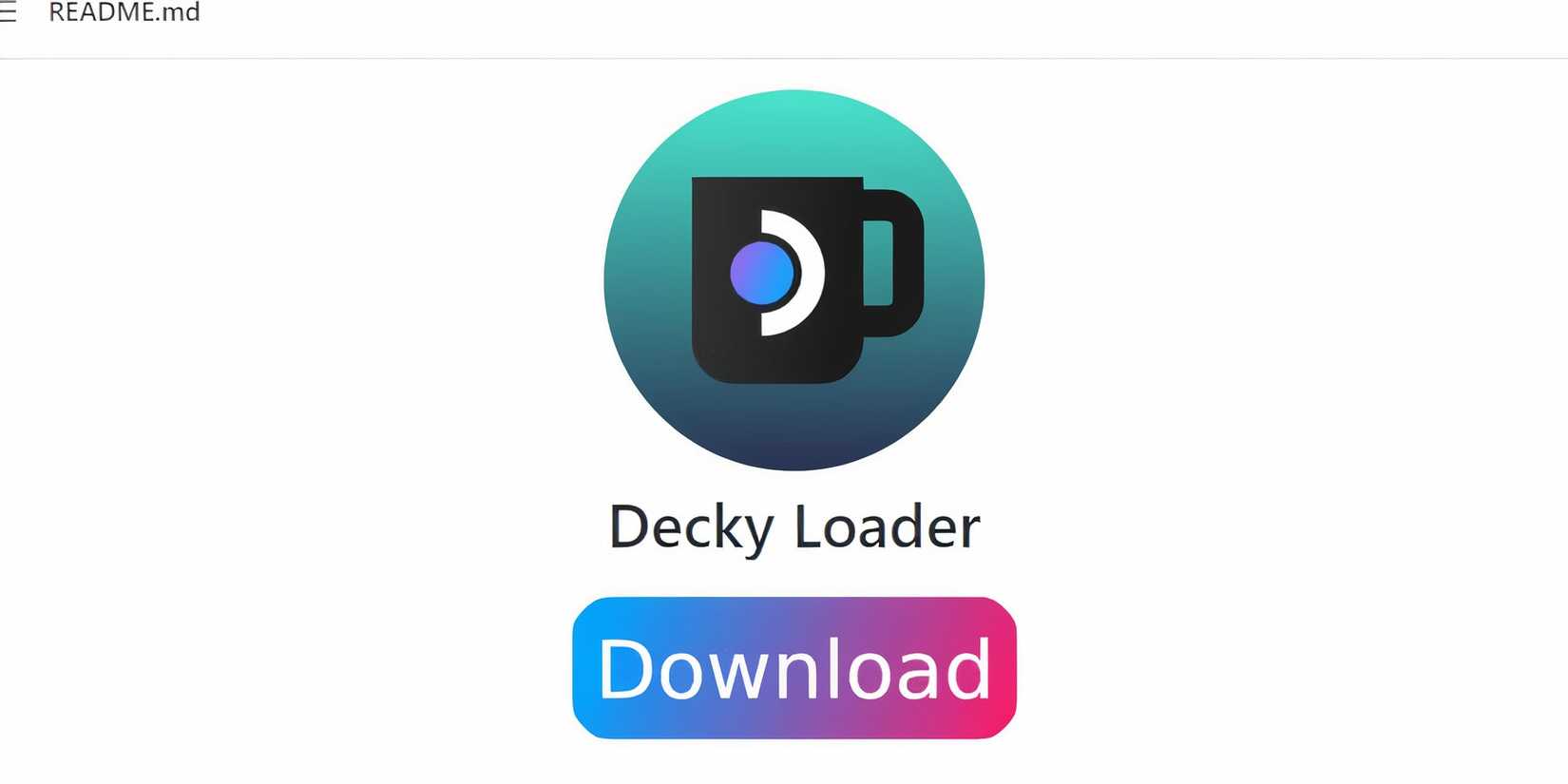
    Steam Deck - Download Decky Loader

    To run free plugins like the Steamback app on the Steam Deck, you must install the Decky Loader program. Decky Loader provides many useful customized tools for the Steam Deck to enhance quality-of-life features. The following steps can be used to install Decky Loader on the Steam Deck:

    • Press the Steam button under the left trackpad.
    • Highlight and select the Power option.
    • Then, select Switch to Desktop Mode.

    Using a
    keyboard and mouse
    makes it easier to browse and download files. Docking the Steam Deck and using it with a monitor like a PC is beneficial. If you don’t have a keyboard and mouse, you can use the built-in keyboard by pressing the
    Steam and the X buttons
    together.


    • Open a browser of your choice.
    • Follow this link to install Decky Loader.
    • Locate the large Download icon on the Decky Loader GitHub page.
    • After downloading, double-click the installer and select the recommended install.
    • Wait for Decky Loader to finish installing and switch back to Gaming Mode.

    How To Install Internet Radio On The Steam Deck

    Locating RadiYo on Decky Loader

    With Decky Loader now installed, you can add free homebrew plugins like the RadiYo! app to your Steam Deck. Use the following steps to find and install Steamback:

    • Press the QAM button (the button with the three dots underneath the right trackpad).
    • Click the new plugin icon available at the bottom of the menu.
    • In the Decky Loader, look for the RadiYo! plugin on the list, or type it into the search bar.
    • Select Install to use the new app.

    GOG Galaxy on Steam Deck

    Related

    Steam Deck: How To Install The GOG Galaxy Launcher

    With this guide, gamers can integrate GOG Galaxy with the Steam Deck’s library, giving them access to a variety of different games.

    How To Use RadiYo!

    Press the QAM button and open the RadiYo! plugin. Here, you can select from a list of trending radio stations to find something suited to your taste:


    • Use the search bar and type in your favorite music genre.

    Searching a music genre on RadiYo with Decky Loader

    • Select one of the stations and add it to your favorites by clicking on the star icon.

    Favoriting station on RadiYo with Decky Loader

    • If you have the URL of your favorite station, you can add it via the Add Station by URL tab and favorite it.
    • The new radio stations will be added to the Favorites dropdown.

    How To Fix Decky Loader After The Steam Deck Update
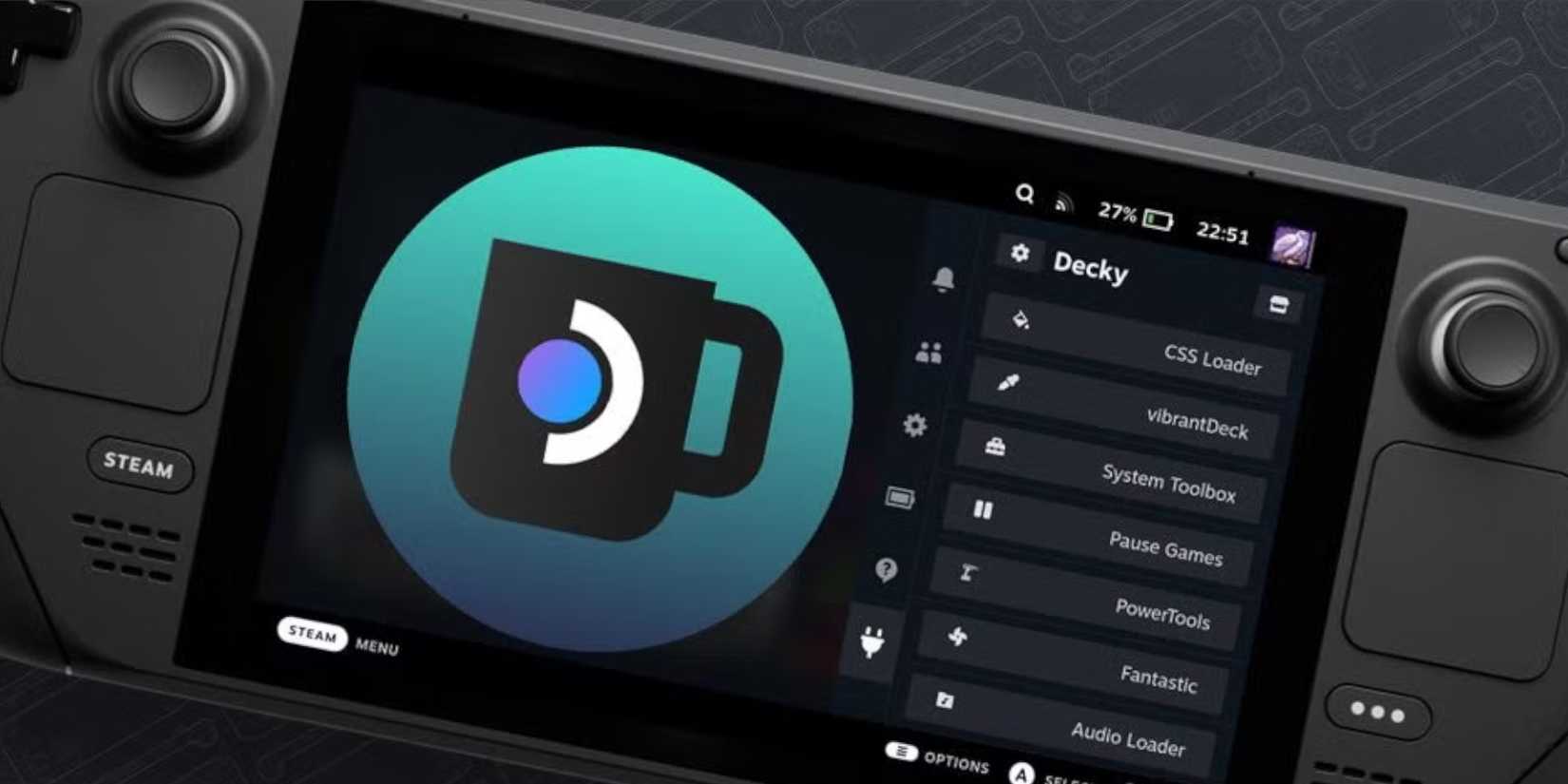
    Decky Loader on the Steam Deck


    The recent update to the Steam Deck has caused the Decky Loader app to disappear from the Quick Access Menu, rendering your plugins unreachable. Fortunately, even though it’s no longer in the QAM, your settings and plugins remain unaltered. The following steps will help you restore the Decky Loader app to the Steam Deck’s Gaming Mode:

    • Press the Steam button and click on the Power menu to switch to Desktop Mode.
    • Open your preferred browser in Desktop Mode.
    • Open the Decky Loader GitHub page and click on Download icon.
    • Select Execute.
    • After launching the installer, a prompt will ask for your pseudo password or to set one up.

    Make sure to choose a memorable pseudo password, as changing it requires the resetting of your Steam Deck to its factory settings.

    • After the installer has run its course, power off the Steam Deck.
    • Restart in Gaming Mode and press the QAM button to regain access to your Decky Loader program.


    Steam Deck Console

    Steam Deck

    Screen
    7″ diagonal 1280 x 800px (16:10 aspect ratio) 60Hz

    Storage
    64 GB – 512 GB

    CPU
    AMD APU Zen 2 4c/8t, 2.4-3.5GHz

    Dimensions
    298mm x 117mm x 49mm

    Weight
    Approx. 669 grams


    Source link

    Share. Facebook Twitter Pinterest LinkedIn Tumblr Email
    Kavish
    • Website

    Related Posts

    A Phone Battery That Lasts 7 Days? Honor Might Make That Happen

    November 5, 2026

    Xiaomi May Be Working On A Wide-Screen Smartphone: How Will It Be Different

    November 5, 2026

    iPhone 18 To Get A Price Hike? Here is What We Know

    November 5, 2026

    Redmi Turbo 6 Max Specifications Just Leaked And The Display Looks Promising

    November 4, 2026

    Samsung Galaxy A38 To Come With Larger Battery, May Charge Faster Than Galaxy S26 Ultra

    November 4, 2026

    OnePlus 16T And OnePlus 16 May Launch In India: Check Expected Specs And Price

    November 4, 2026

    Comments are closed.

    Top Reviews
    Editors Picks

    A Phone Battery That Lasts 7 Days? Honor Might Make That Happen

    November 5, 2026

    Xiaomi May Be Working On A Wide-Screen Smartphone: How Will It Be Different

    November 5, 2026

    iPhone 18 To Get A Price Hike? Here is What We Know

    November 5, 2026

    Redmi Turbo 6 Max Specifications Just Leaked And The Display Looks Promising

    November 4, 2026
    About Us
    About Us

    Email Us: info@xarkas.com

    Facebook Pinterest
    © 2026 . Designed by Xarkas Technologies.
    • Home
    • Mobiles
    • Privacy Policy

    Type above and press Enter to search. Press Esc to cancel.

    Ad Blocker Enabled!
    Ad Blocker Enabled!
    Our website is made possible by displaying online advertisements to our visitors. Please support us by disabling your Ad Blocker.